
YouTube
YouTube for Android is Google's app for watching, uploading and live-streaming video. Version 21.38.130 is the current release listed here.
194.5 MB

19.4.0 · Bytedance Pte. Ltd · Page updated
CapCut for Android is ByteDance's free mobile video editor for cutting clips, adding music, text and effects, and exporting short videos.
Average 0.0 · ratings: 0
Thank you! Your rating is saved; you can change it. Could not save the rating. Please try again later. Too many ratings from your network today. Please try again tomorrow. The average appears after 5 ratings.
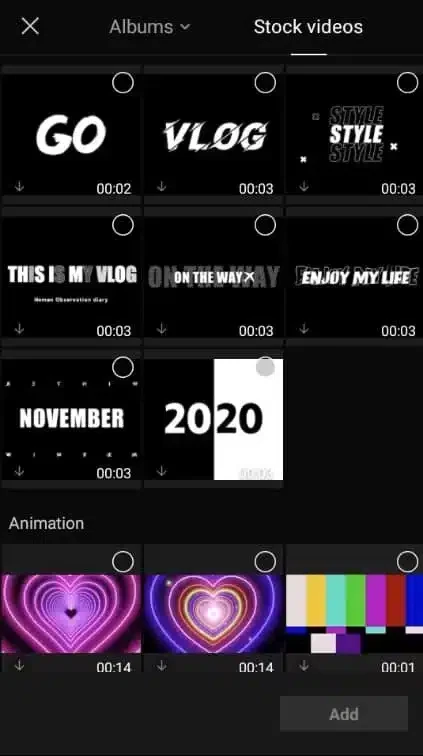
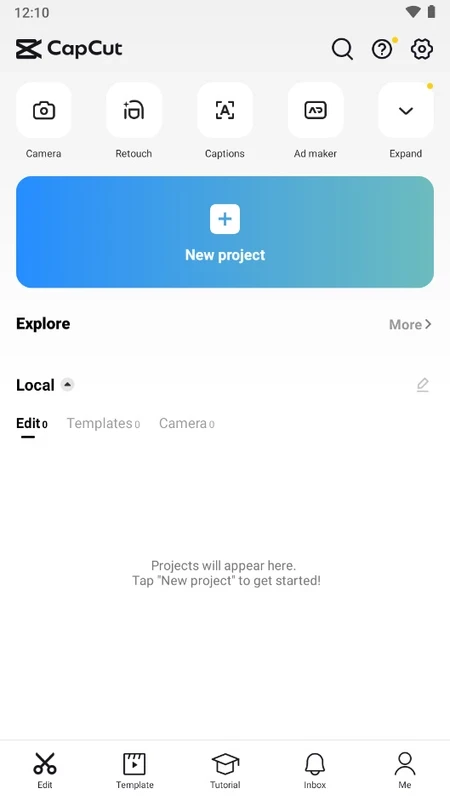
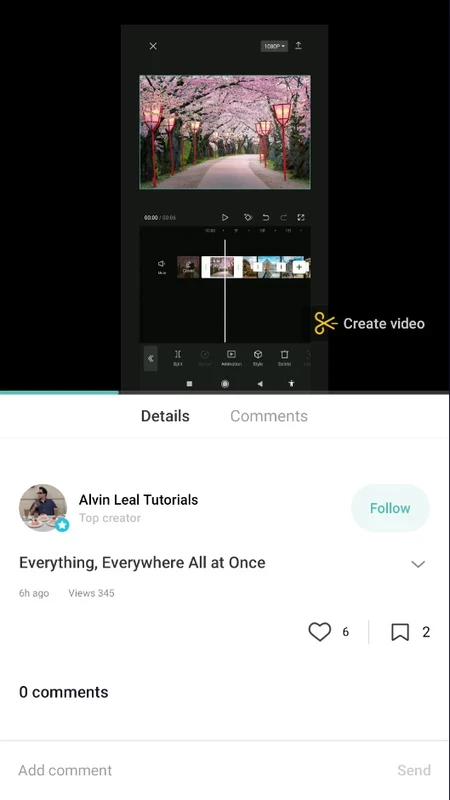
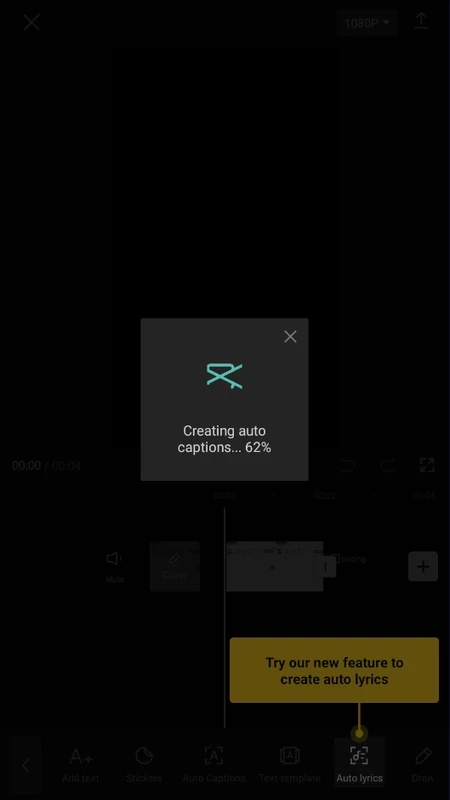
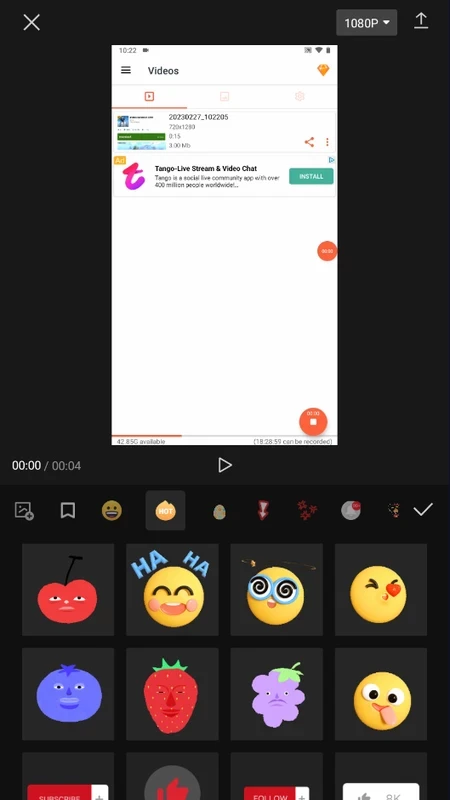
CapCut 19.4.0 for Android is the mobile app of ByteDance's video editing software, and you can download it free from Google Play. It turns a phone into a compact editing studio for short videos, from simple trims to layered clips with music, captions and effects.
CapCut first appeared in April 2020 and started life as a phone app, which still shows in how it works: everything is built around a touch timeline and big, clear buttons. You import clips from the gallery, drag them into order, cut out the slow parts and add a soundtrack. Text, stickers and transitions are a tap away, and templates let you drop your own footage into a ready-made edit. The result can be exported in the vertical format that social platforms expect, which is why the app is so common among people who post to TikTok, Reels and Shorts. It is also useful beyond social media: trimming a school presentation, stitching holiday clips into one video or adding subtitles to a recording for someone who watches without sound. The same account works on Windows, macOS and in a browser, so a project begun on the phone can be finished on a bigger screen.
| Version | 19.4.0 |
|---|---|
| Developer | Bytedance Pte. Ltd |
| Platform | Android |
| License | Freeware |
| Updated | September 2026 |
| Size | about 301.53 MB according to catalogue data |
More information is on capcut.com, and new tools are announced on the CapCut release page.
Google Play checks whether your phone is supported. Editing video is demanding, so a phone with plenty of free storage and a recent processor gives smoother previews and faster exports.
Free up storage before a long project, because the app keeps cached previews for every clip. Record in the same orientation you plan to export, so you do not lose half the frame when cropping. And export a short test first to check the quality and sound before rendering the full video.
Install CapCut only from Google Play. "CapCut Pro" or "no watermark" APKs from other sites are unofficial and often carry adware. Before posting, check the export settings and remember that uploads to cloud projects are tied to your account.
The app is free to download, and basic editing costs nothing. Some effects, templates and cloud storage are part of a paid subscription.
InShot Video Editor, VN Video Editor, YouCut and Alight Motion are other Android video editors in the same category.
YouTube for Android is Google's app for watching, uploading and live-streaming video. Version 21.38.130 is the current release listed here.

InShot is a video editor for Android phones used to trim, combine and prepare clips for social networks.

DU Recorder is a free Android screen recorder for capturing gameplay, tutorials and video calls, with basic editing of the recorded clips.

VN – Video Editor is a free Android app from VN, LLC for editing videos on a phone: cut and join clips, add music, titles and transitions.

Wink is an Android video editing app from Meitu that uses AI to improve video quality, retouch faces and apply effects to clips.

TikTok is a free short-video app for Android from TikTok Pte. Ltd. Version 46.9.42 is the latest Android build.
TikTok Lite is the official lighter version of TikTok for Android, designed to save data and suit phones with limited storage.